
SMS is Built for Busy Clients — and Busy Owners
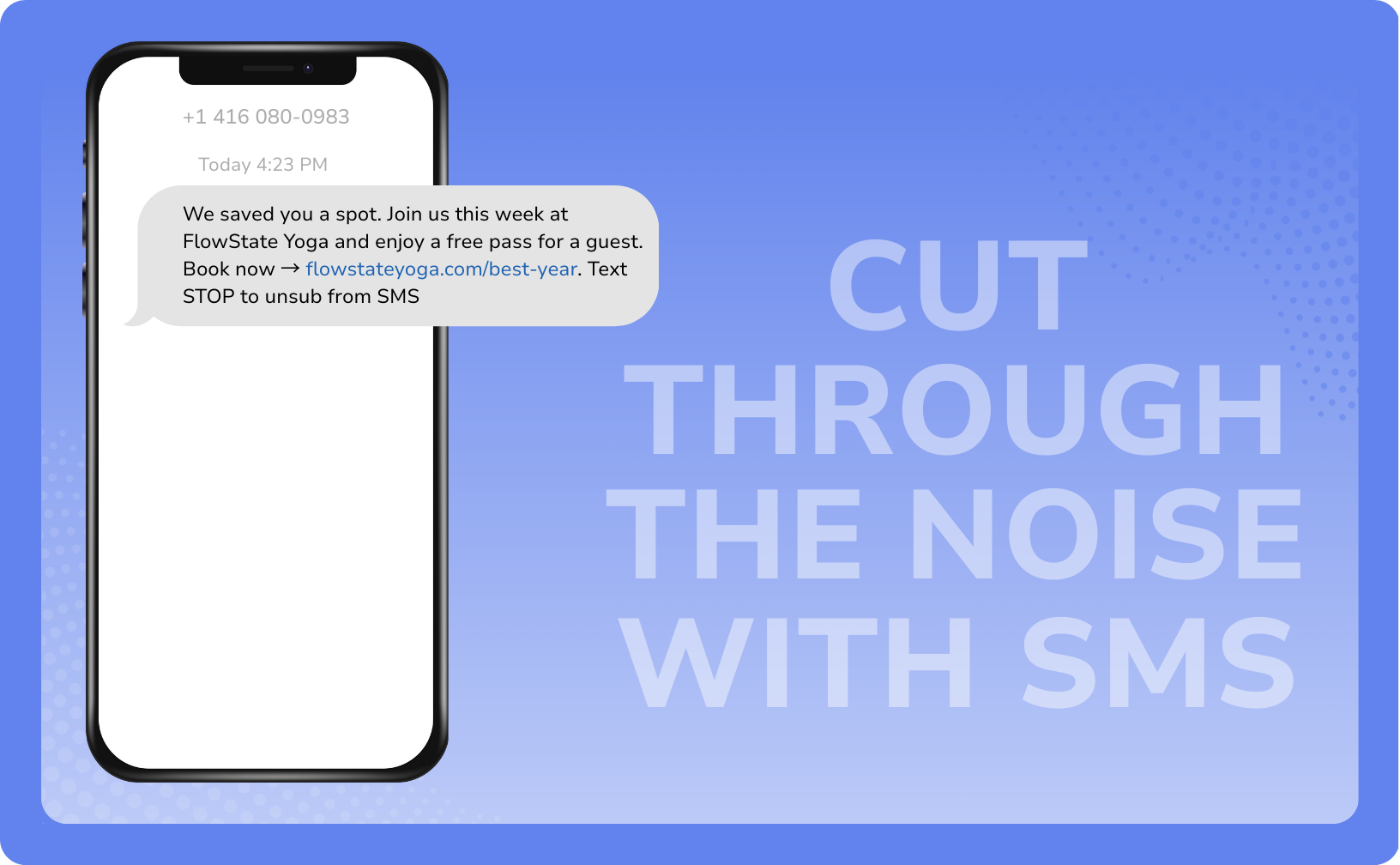
When your revenue depends on people showing up, reliable communication is a must.
SMS is one of the few ways to reach clients immediately — without getting buried by social media rules or crowded email inboxes. Appointment reminders, delivery alerts, “your table is ready” texts — these messages get opened and acted on within minutes. Use these same strategies to get your business noticed with text messages!
When used intentionally, SMS helps you:
Create urgency and fill classes or appointments quickly
Increase revenue by minimizing no-shows and late cancellations
Re-engage clients before they quietly drop off
Drive fast action on time-sensitive offers
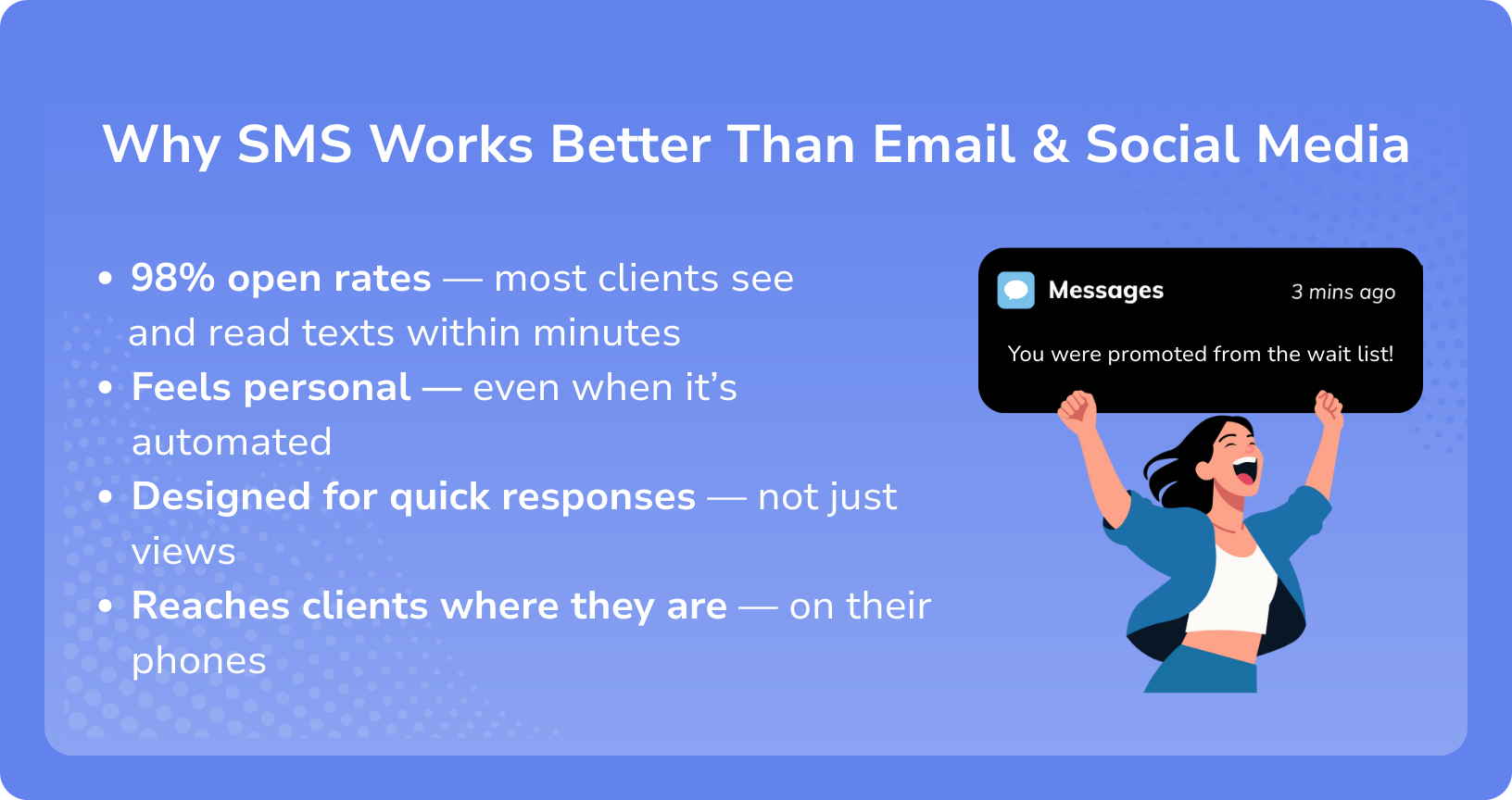
SMS with WellnessLiving is one of the most effective tools for helping you fill more spots and avoid lost income — especially during busy seasons like New Year, summer, back-to-school, and holidays.
1-Way vs. 2-Way SMS: What’s the Difference?
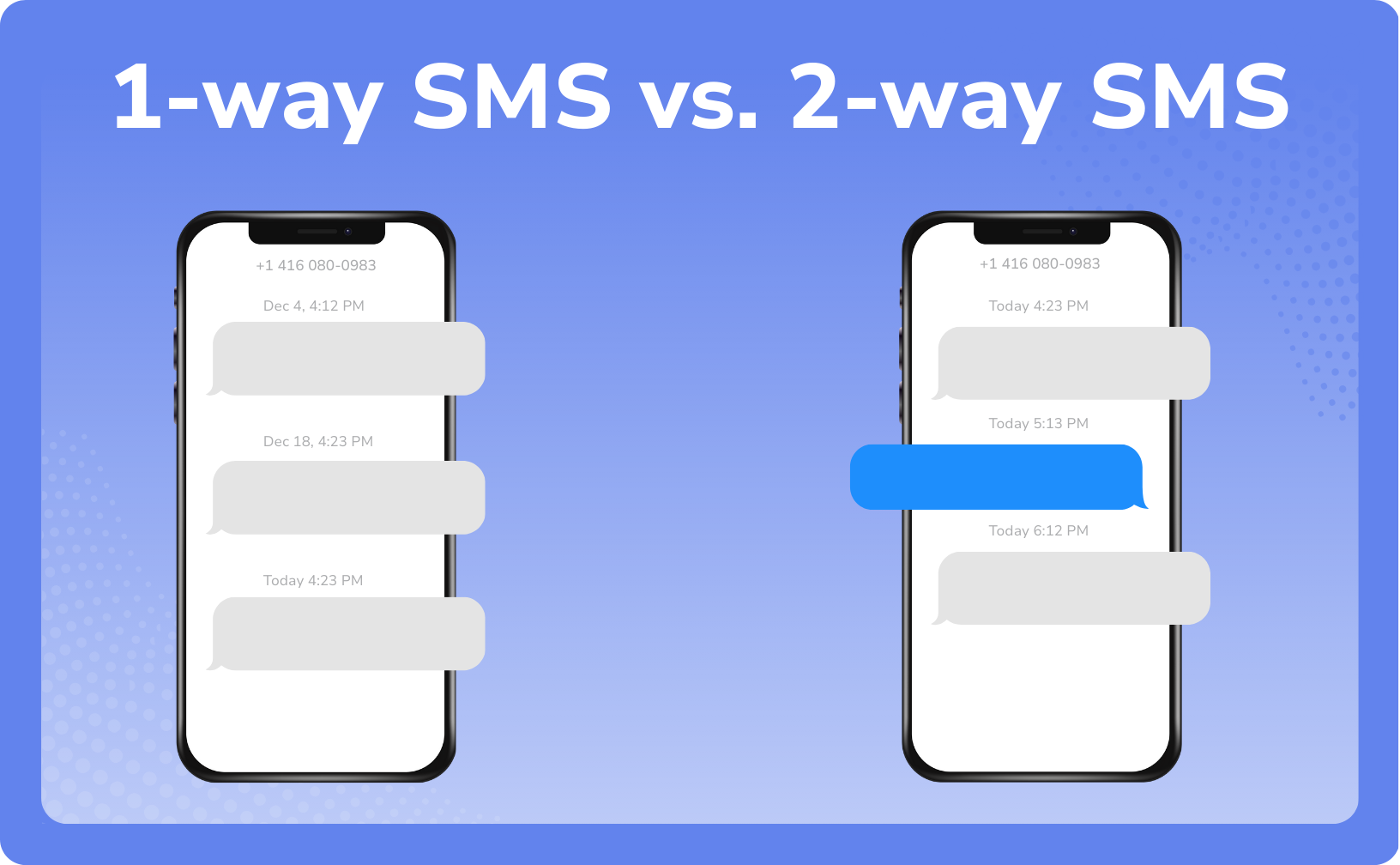
Some texts are meant to inform clients, while others are meant to start a conversation. Knowing the difference helps you use SMS the right way. 1-way texting keeps clients informed, while 2-way texting drives bookings through real conversation.
1-way SMSIdeal for automatic messages & reminders | 2-way SMSIdeal for conversations that lead to bookings |
|---|---|
Best used for:
| Best used for:
|
The impact: Reduces no-shows, improves attendance, and saves staff time. 1-way SMS powers many of the automated messages already included in most subscriptions — so clients receive confirmations, reminders, and promotions with no extra setup. | The impact: Quick replies help you fill spots faster and avoid missed bookings.
|
📌 Note: Without a Message Center subscription a fee will apply for each marketing SMS sent. A fee of $0.05 will apply for US and Canadian users and a fee of $0.09 will apply for UK and Australia users. |
|---|
Message Center: The Engine Behind High-Converting Texts
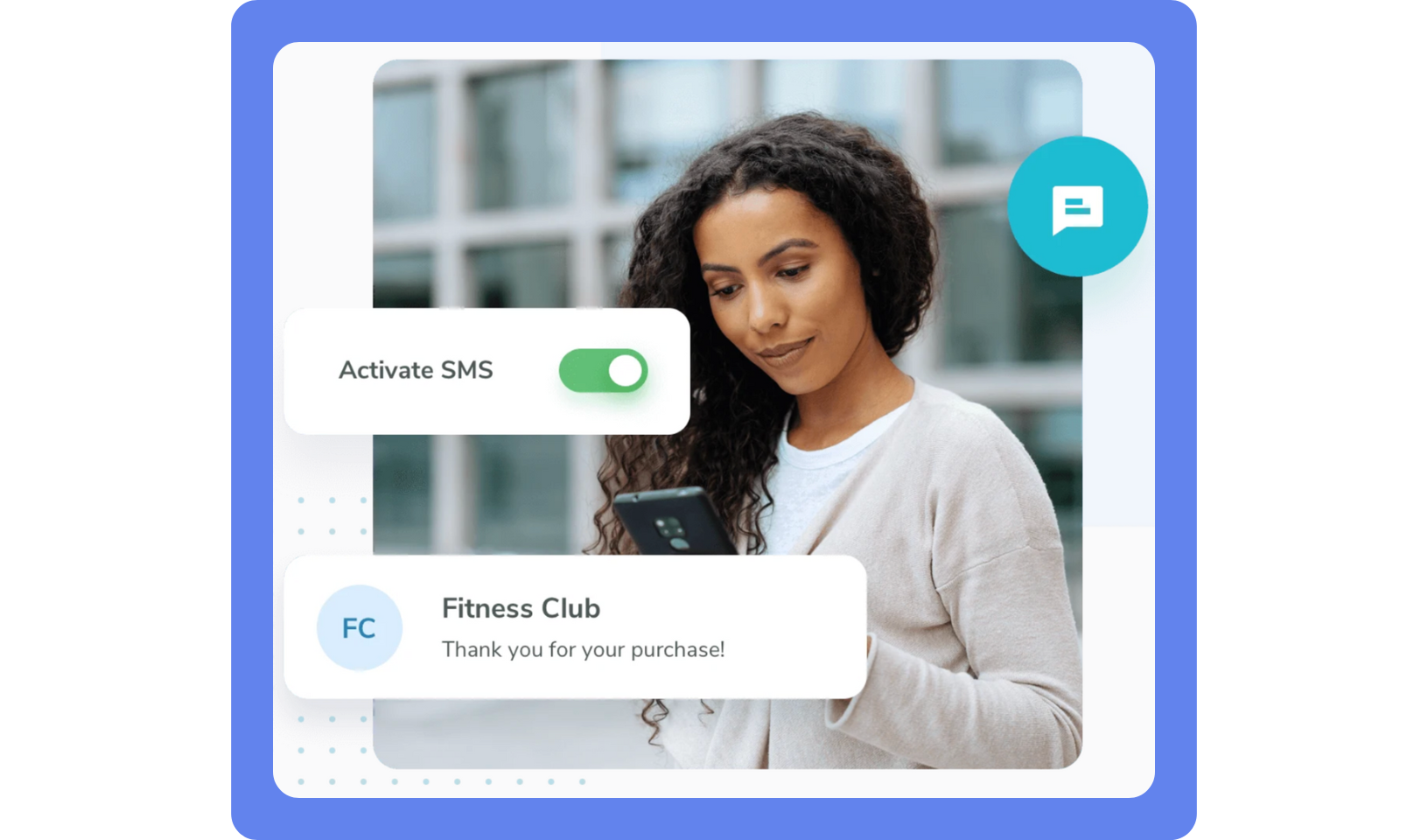
Message Center is WellnessLiving’s communication hub that lets you text clients directly from your account — so you can respond faster, fill spots quicker, and keep all conversations organized in one place.
With Message Center, you can:
Send and receive texts directly in WellnessLiving
Send messages to a client group (lapsed, VIPs, birthdays) for targeted outreach
Turn text conversations into booked appointments and classes
Text on the go using the Elevate Staff App
View full message history per client
The impact: Real-time conversations remove friction and accelerate bookings.
📌 Note: Message Center is currently only available to businesses in the US, Canada, Australia, and the UK. Businesses based in the British Isles outside of the UK can register for Message Center using a mainland UK phone number. |
|---|
Get Started with Message Center
To get started with WellnessLiving’s Message Center:
Ensure clients have valid mobile numbers
Open the App Drawer, then click View All > Messages > Subscription Plans
Choose a Message Center plan and click Get Started
Generate your own business SMS number
How SMS Turns Messages Into Bookings
SMS works best when it’s intentional, not occasional. When used inside a system like WellnessLiving’s Marketing Campaigns, automated texts messages can encourage clients to book — driving repeat visits and consistent revenue automatically.
WellnessLiving Marketing lets you:
Send automated texts and emails triggered by visits, purchases, birthdays, or inactivity
Create campaigns for welcome series, win-backs, birthday offers, and more
Increase reward redemptions and ongoing engagement
Target specific groups of clients, like new visitors or clients who haven’t booked in a while
Message specific groups of clients all at once
Set up promotions once and let them run automatically
To find your Marketing Campaigns, go to the App Drawer and click Marketing.
Re-Engaging Clients With a Timely SMS Nudge
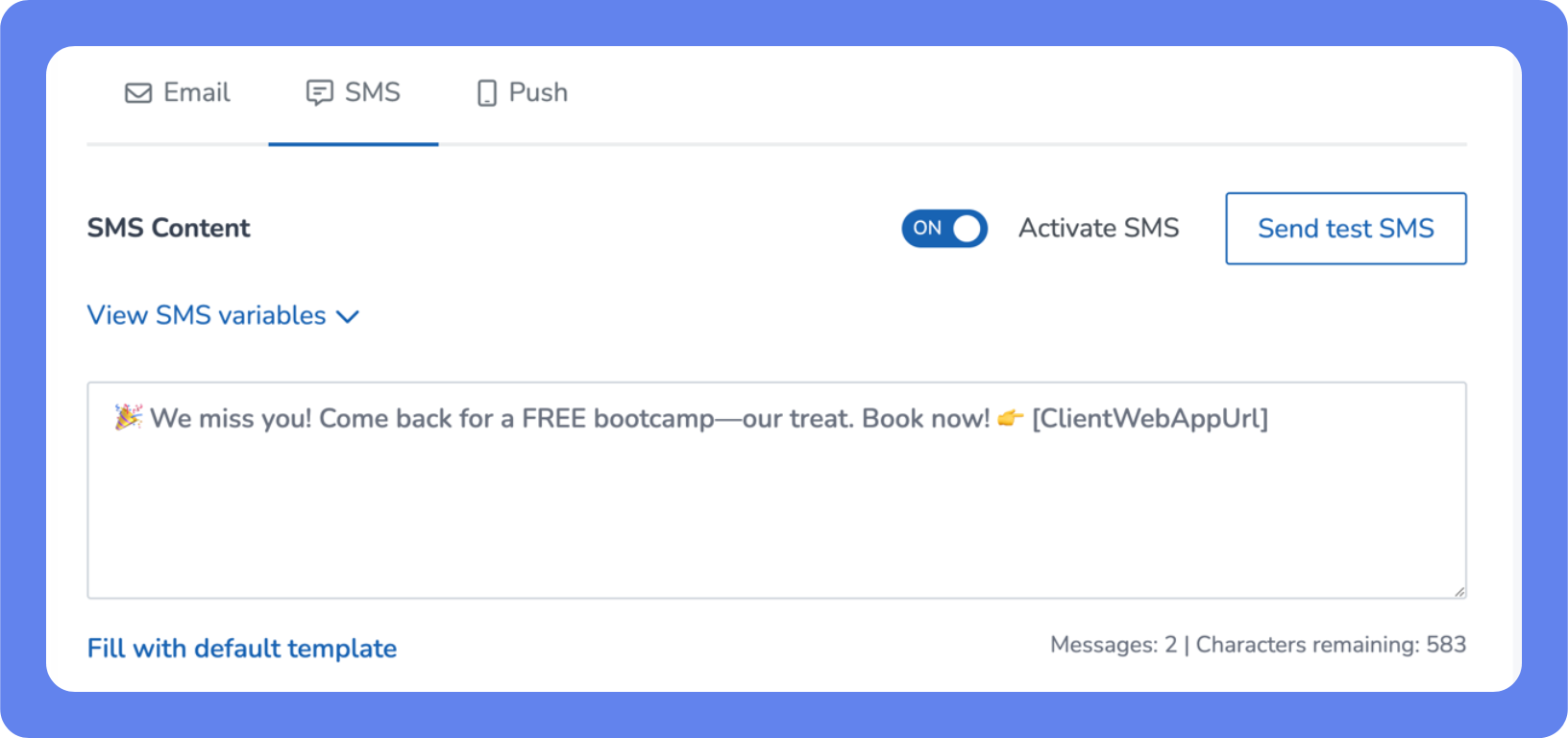
After the holidays, many clients intend to return — they just need a gentle, timely nudge. This campaign uses SMS to re-engage clients who haven’t visited recently and turn New Year motivation into bookings.
The New Year creates natural momentum; a personal “we miss you” message builds connection; and simple redemption makes it easy for clients to say yes.
Structure your campaigns for action. A great SMS isn’t just seen—it gets tapped, booked, and shared.
Best send times: Early mornings, lunch hours, or early evenings.
📌 Tip: Save time with marketing SMS templates—reuse top performers.
How to Set Up your SMS Campaign in WellnessLiving
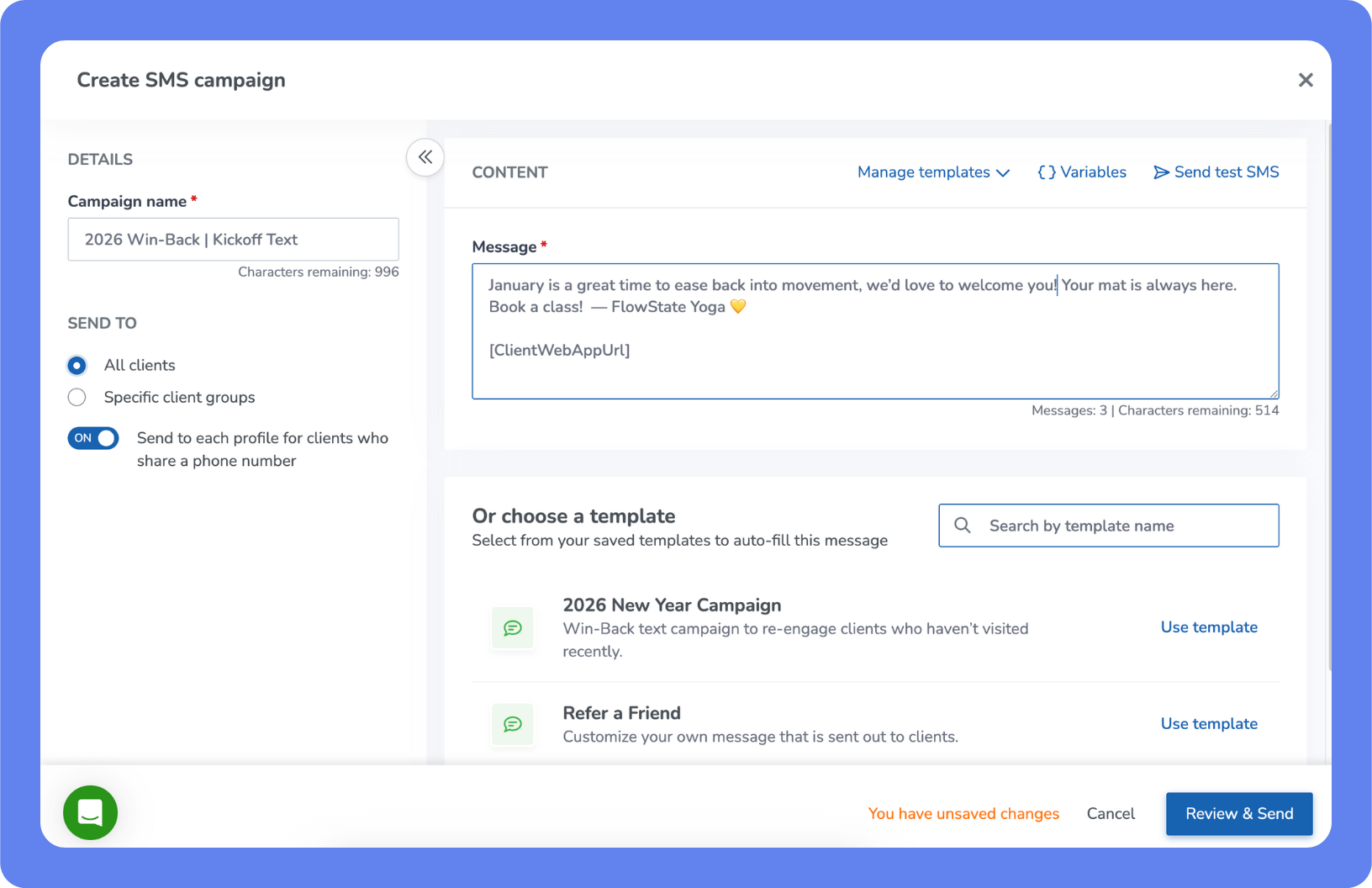
Open the Marketing Suite – Open the App Drawer, then click Marketing.
Scroll down to Quick Actions – Choose Send SMS campaign.
Choose Your Audience – Choose to send your message to All Clients, or specific client groups based on purchase behavior, or recent visits (e.g., clients who have not visited in 30 days) or more.
Create Your Message – Start with an existing template, or write your text message from scratch.
Review & Send – Once you’ve written your message, click Review & Send to to proof read and send your message.
Don’t Forget Notifications: Your Always-On Messaging
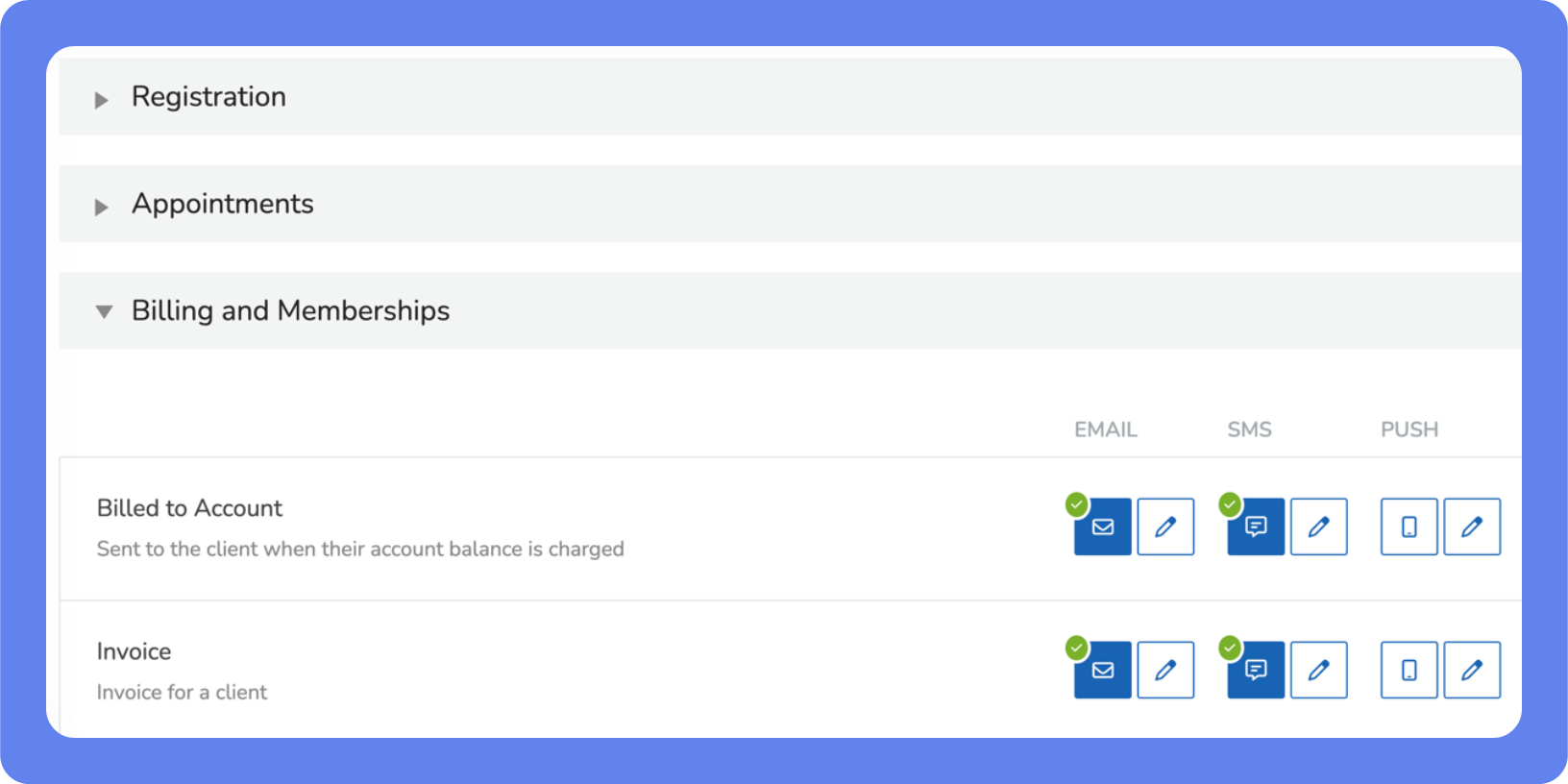
Automated 1-way notifications handle the basics — confirmations, reminders, updates — so you don’t have to. They are the foundation of client communication, keeping clients informed about bookings, payments, and schedules across SMS, email, or push—without added work.
Enable, disable, or personalize your notifications by going to the App Drawer > Setup > Notifications > Client Notifications.
Common Notification Types:
Booking confirmations & reminders
No-show or cancellation alerts
Waitlist updates
Billing or membership changes
Track What Works — Then Do More of It
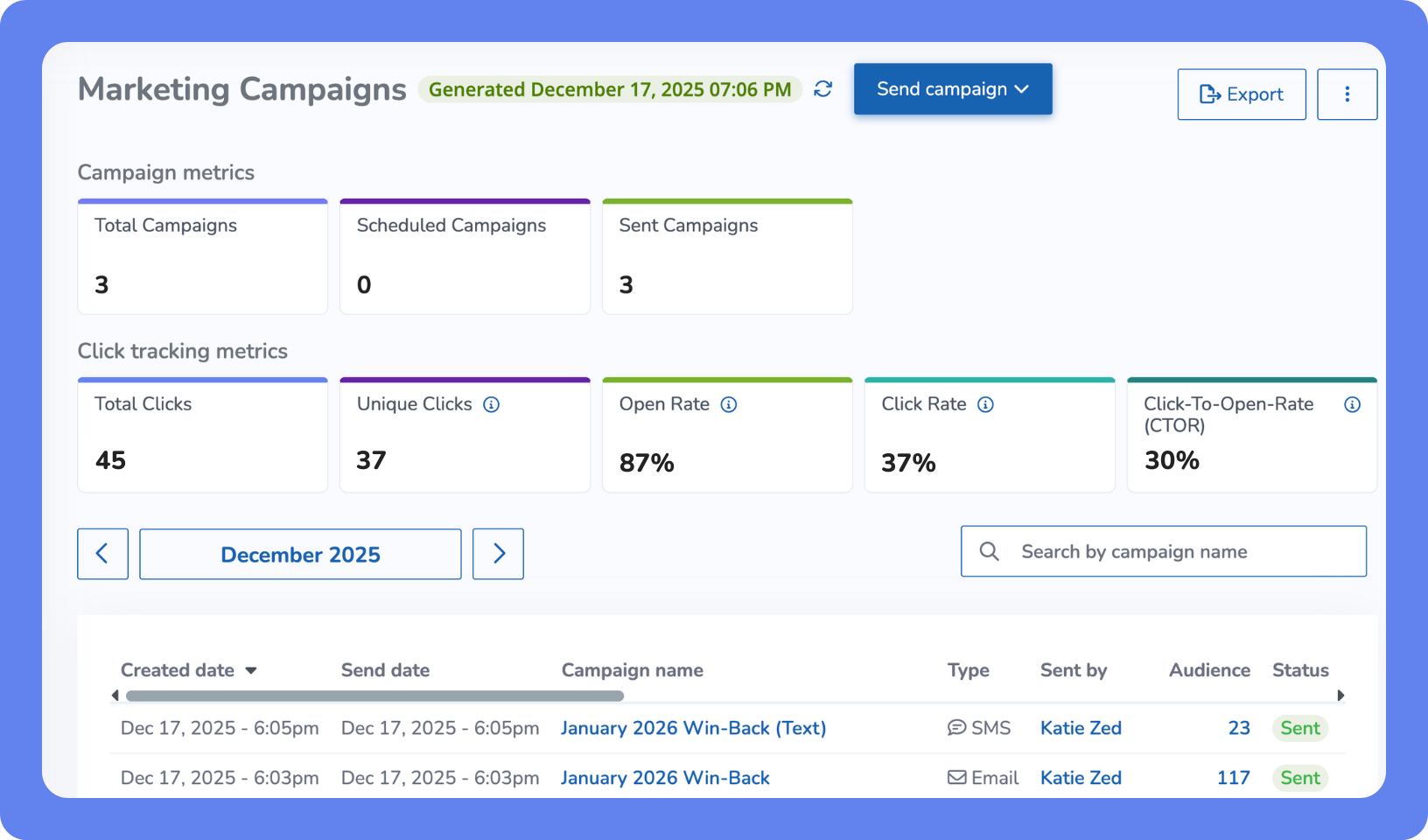
You don’t have to guess what’s working—your data will tell you.
WellnessLiving’s Marketing Campaigns Report show you exactly how your SMS campaigns are performing, so you can fine-tune your approach and get better results with less effort.
You can find the Marketing Campaigns Report by clicking the App Drawer > Setup > Reports > Marketing > Marketing Campaigns.
Delivery + open rates
Click rates
Campaign performance by time and day
📌 Tip: Review SMS performance monthly to get better results with small adjustments to call-to-actions, timing, and client groups.
Best Practices & Compliance: Set Yourself Up for SMS Success
Before you hit send, make sure your texts are both effective and compliant.
SMS is a powerful way to reach clients, but there are simple rules businesses must follow.
Clear, respectful communication builds long-term loyalty — and keeps your delivery rates high. Following a few simple best practices helps you protect your brand, maintain strong delivery rates, and build trust with your clients.
SMS Best Practices
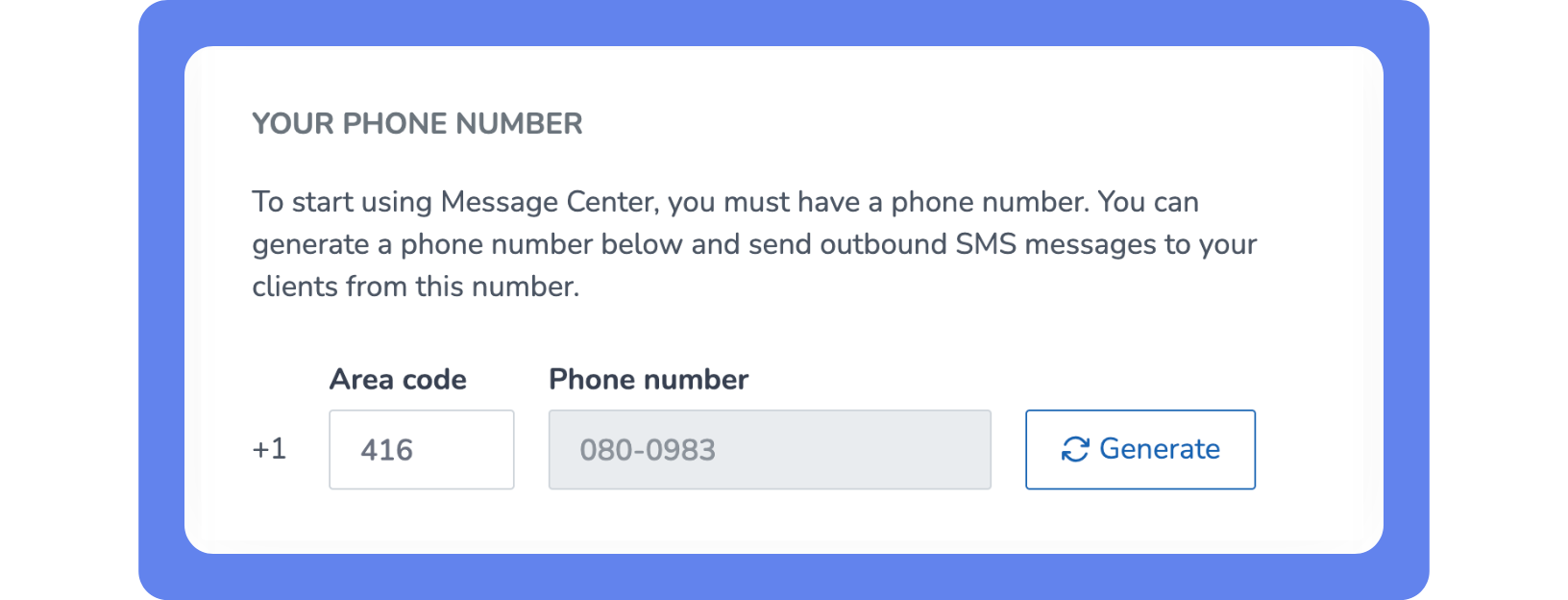
Use a recognizable number – Choose a phone number with a local area code when possible — it builds trust and increases reply rates. Choose your phone number by clicking on the App Drawer > View All > Messages > Settings.
Keep client contact info clean – Make sure mobile numbers are accurate and properly formatted.
Keep messages under 160 characters – Longer texts may be split into multiple messages, impair readability, and result in additional charges.
When getting started, include your business name – Clients should instantly know who the message is from.
Automatic opt-out included– Clients must be able to unsubscribe from SMS notifications at any time.
Avoid spam-like formatting — skip ALL CAPS and too many emojis to ensure your messages reach clients.
📌 Tip: Ensure all SMS messages sent by your business comply with the Acceptable Use Policy and Messaging Policy.
📌 Note: U.S. businesses must complete A2P 10DLC registration before activating Message Center to ensure carriers recognize your messages as legitimate business texts. |
|---|
What’s Next? Launch Your First SMS Campaign
You don’t need to be a marketing expert to succeed with SMS — just start, use it consistently, and in the right moment for your clients. When timed well and written clearly, SMS helps you show up at the moments clients are most likely to act. Track what works, repeat top performers, and let each message help fill more spots over time.
Try one simple campaign this week.