
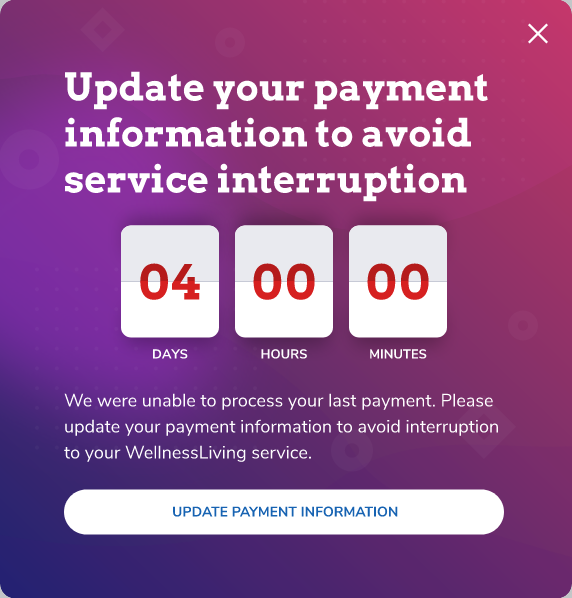
When you sign in to WellnessLiving, a notification with a countdown to the date and time your account will be disabled appears when we're unable to process your subscription payment. Your account will be disabled after 14 days.
You won't lose any information if your account is disabled, but WellnessLiving will be unavailable until you reactivate your account. Update your payment information before the countdown expires to prevent your account from being disabled.
Reactivate your account
To reactivate your account:
Click Update Payment Information.
On the Billing Information page, update your payment information:
To update an existing credit card on file, click Action
 next to the card in the list, then click Edit.
To add a new payment method, click Add Payment Method.
Enter or update your payment information.
Click Save.
On the Billing Information page, click Re-attempt payment.