
Understanding deposits
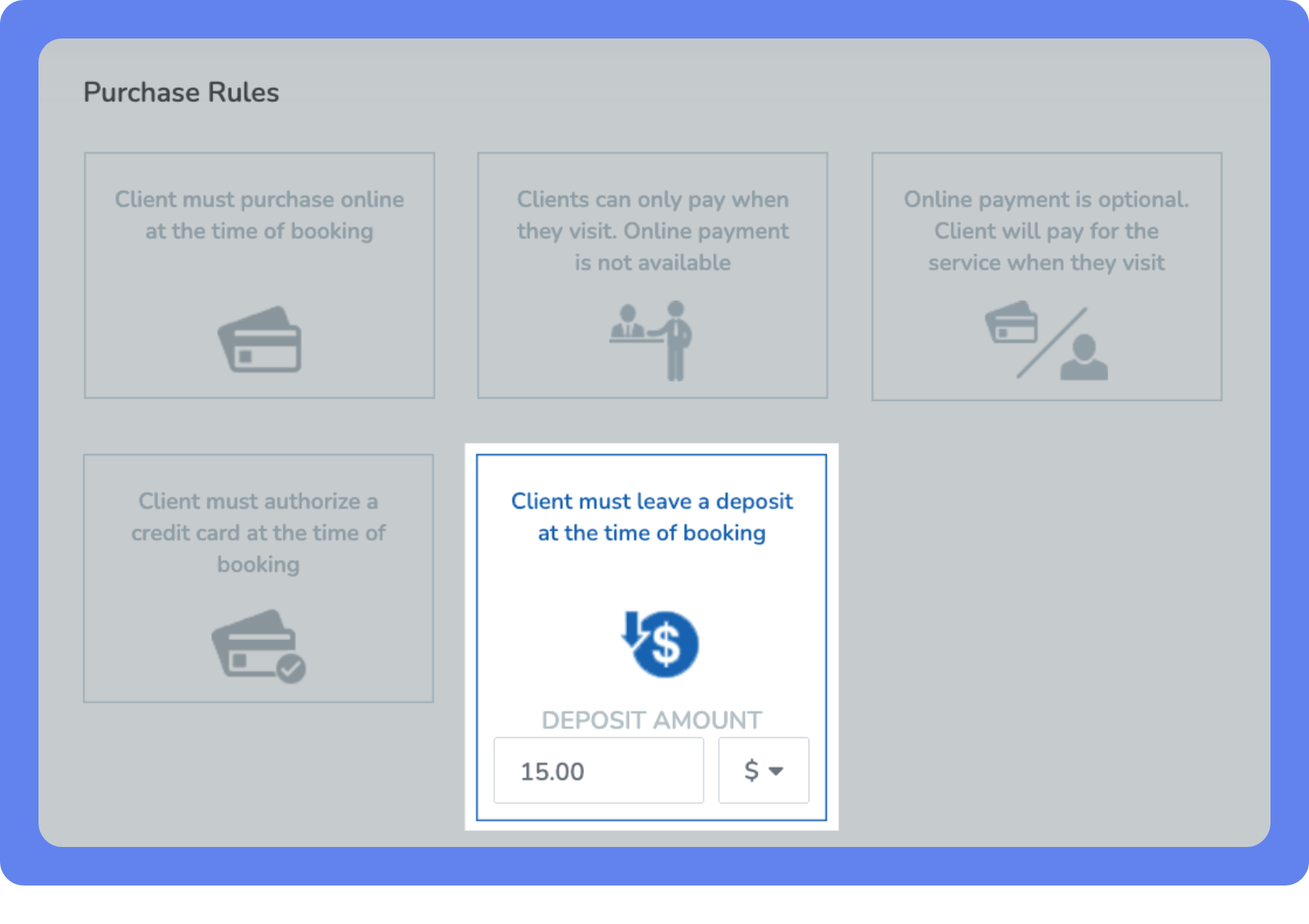
Appointments and events can be set up with a deposit purchase rule to require clients to pay a portion of the visit cost to secure their booking. Clients may also choose to pay the full amount, or use an applicable Purchase Option when booking.
What you can do with deposits
Collecting a deposit for services can help you to:
Protect your bottom line against possible losses from service no-shows and cancellations.
Create a reservation system for your appointments and events that requires clients to pay a deposit to reserve their spot.
Highlight premium services by requiring a deposit to secure the booking.
Provide flexible payment options by setting either a flat amount or a percentage of the total price as the deposit.
Getting started with deposits
To set up deposits for your services and start collecting them from clients:
Set up an appointment or event with deposits – Create or modify an appointment or event, and review your Purchase Rules.
Under Client must leave a deposit at the time of booking, set the deposit type and amount. Select Flat amount to charge a fixed dollar value, or select Percentage to charge a portion of the total service price. Then enter the value you want to collect.
Start collecting deposits – Clients will now be required to pay a deposit when booking the relevant service.
Key tips
Reconciling payments
To reconcile payment for a deposit, see Collect remaining balance for appointments with deposits and Collect remaining balance for events with deposits.
Disclosing deposit requirements
If the client has an applicable Purchase Option, they won't need to pay the deposit.