
Products
Set up your store to sell services, physical products, or digital items. WellnessLiving lets you create customized products with variations and add-ons, manage inventory and suppliers with built-in stock controls, and streamline checkout by assigning barcodes for easy scanning.
With detailed Inventory and Sales reports, you’ll see what’s moving, who’s buying, and how to keep your bestsellers in stock.
Create a product
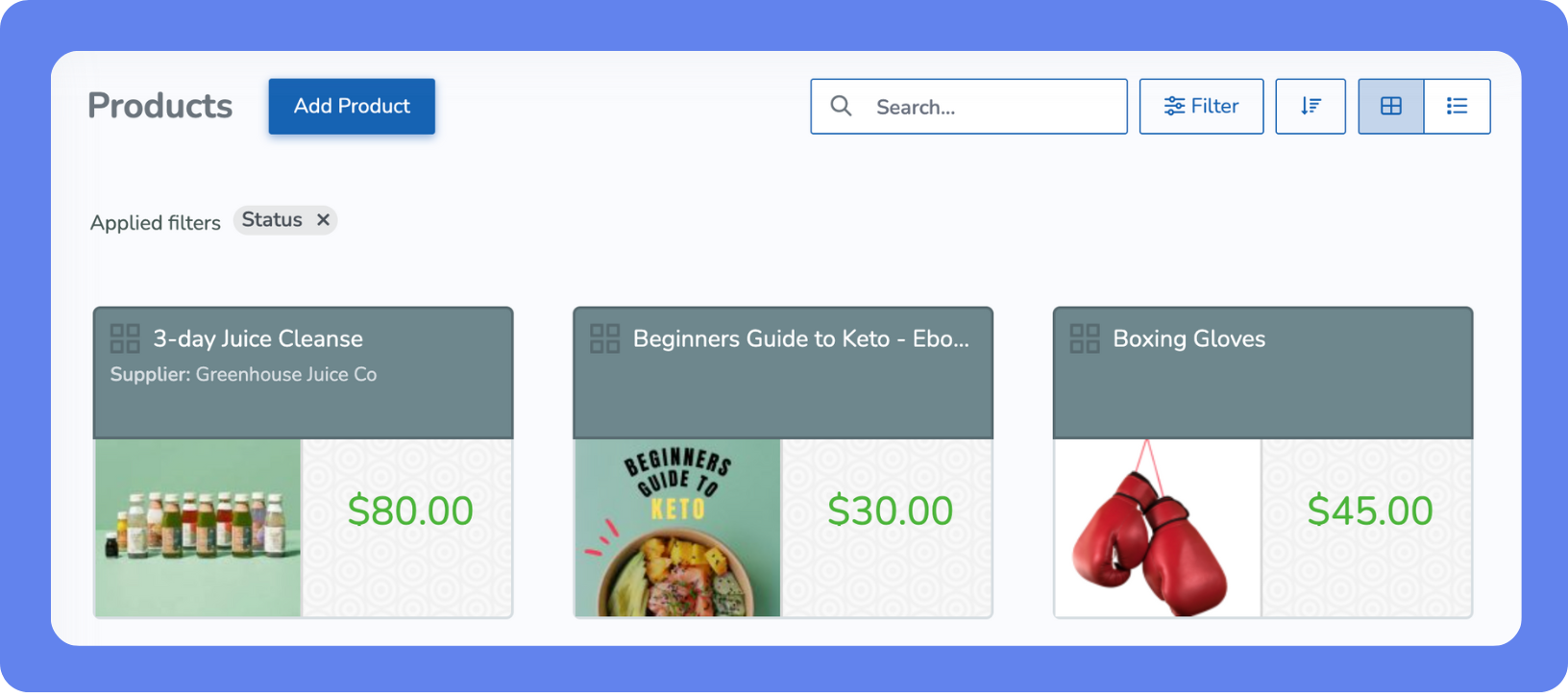
You can sell products like gym bags, towels, and water bottles through your store, available for purchase with or without services.
To create a new product:
Open the Main Menu, then click View All > Setup > Store Configuration > Products.
Click Add Product.
Configure the product options, name, description, and image.
Click Save.
As you build out your business on WellnessLiving, you’ll also have the option to configure store settings—like receipt preferences, refund rules, and payment methods—and set up add-on products that can be attached to services, memberships, or events.