
With guest booking, you can reserve a service booking through a widget without needing to sign in or create an account first. This streamlined process is ideal for clients who prefer a faster, more direct booking experience.
The Continue as Guest option allows you to:
Book quickly – Eliminate delays caused by account setup.
Explore new services – Suitable for introductory offers and first-time appointments.
Ensure follow-up – Required fields like name, email, and phone number help the business stay in touch.
Book a service as a guest
To book a service as a guest:
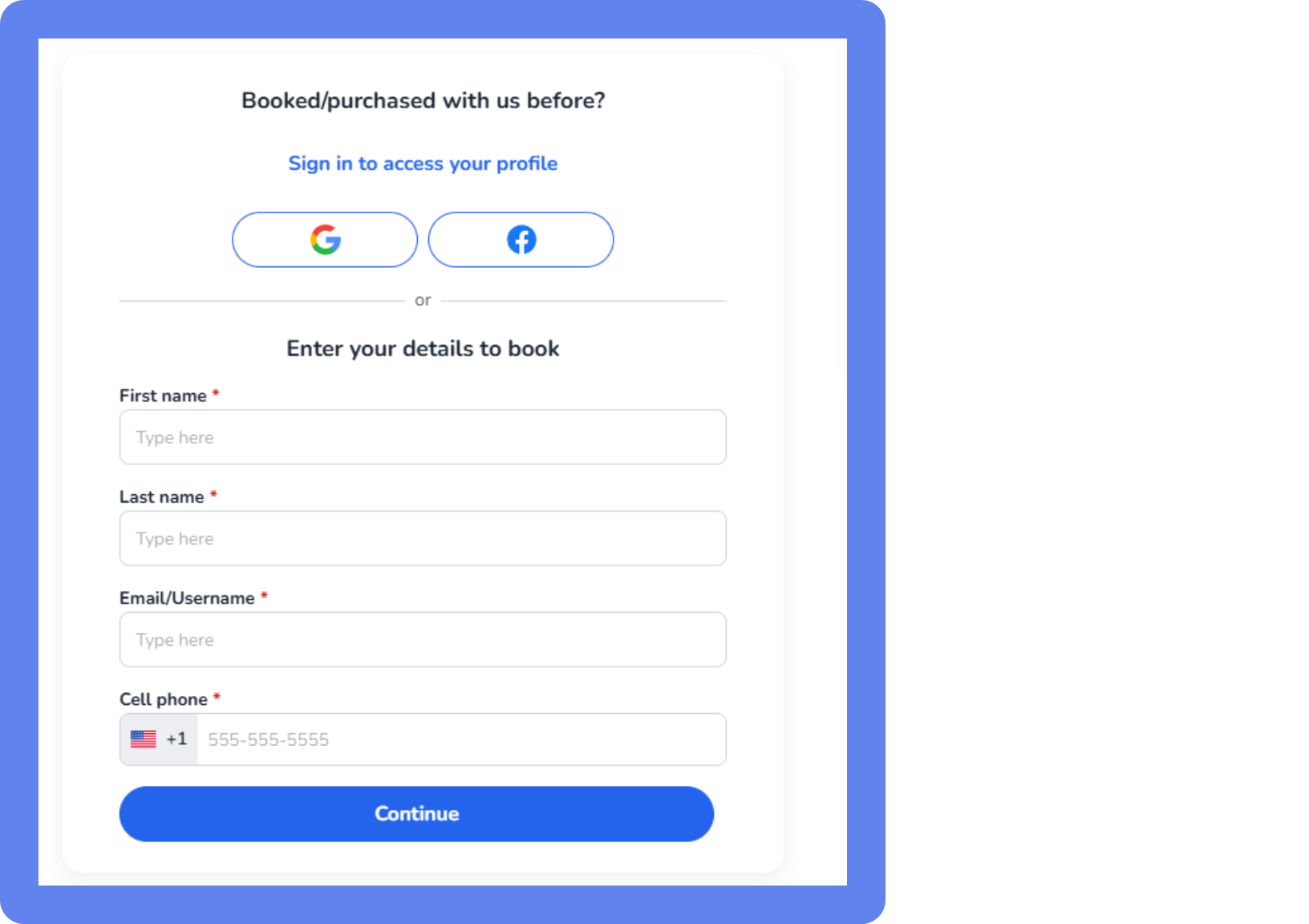
Open the business page with the booking widget.
Select your desired service, date, time, and staff member.
Enter the required information, then click Continue.
If the email you enter matches an existing profile, you'll be asked to verify your identity with a one-time code. WellnessLiving sends the code by text if you have a cell phone number on file, or by email if not. You can request the code by email instead at any time.
You may be required to agree to the business’s waiver before completing your booking.
A confirmation email is sent and you can attend the service at the scheduled date.
Fill in your remaining required fields to access your new account and continue booking with the business.